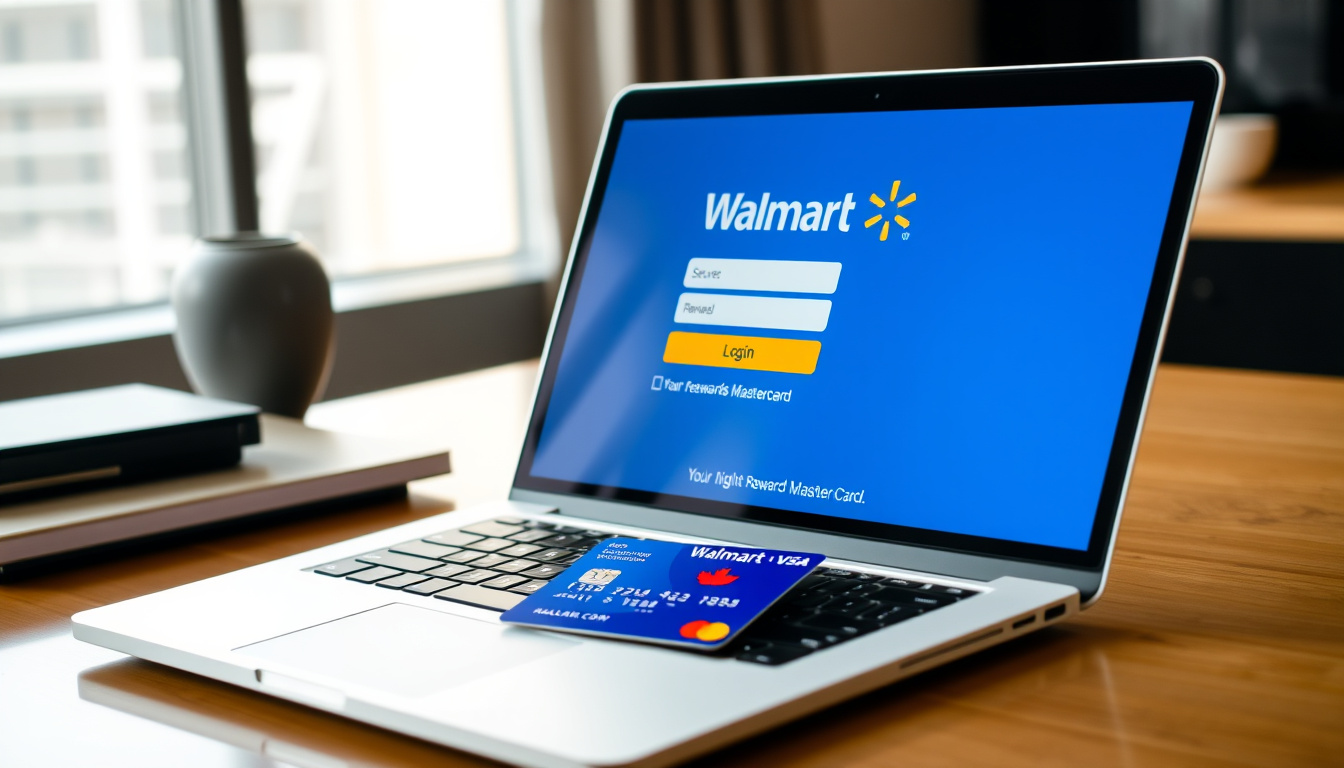

The Walmart Rewards Mastercard offers Canadian shoppers a way to earn reward dollars on purchases at Walmart and other retailers. Managing this credit card online requires access to the dedicated portal at walmartrewardsmc.ca, where cardholders can sign in, check balances, view statements, and track transaction history. This guide covers everything you need to know about accessing and using your Walmart Rewards Mastercard account in Canada.
Unlike the United States version issued through Capital One, the Canadian Walmart Rewards Mastercard is issued by Fairstone Bank of Canada. This distinction is important because the login processes, websites, and account management systems differ significantly between the two countries. Canadian cardholders must use the specific Canadian portal to access their accounts.
How to Sign In to Walmart Rewards Mastercard Online
Accessing your Walmart Rewards Mastercard account in Canada begins at the official portal. The primary login address is walmartrewardsmc.ca, operated by Fairstone Bank of Canada. This portal serves as the central hub for all account-related activities, from checking your balance to reviewing recent transactions.
Before logging in, ensure you have your username and password ready. If you have not yet registered your card, you will need to complete the registration process before gaining access.
The sign-in process requires your username and password. If you have forgotten either, the portal provides recovery options below the sign-in fields. You can recover your username or reset your password by following the verification steps, which include confirming your identity with information tied to your account.
Sign-In Process Overview
- Navigate to walmartrewardsmc.ca using your web browser
- Click the “Sign In” button located at the top of the page
- Enter your username in the designated field
- Enter your password in the secure field
- Click “Sign In” to access your account dashboard
Once successfully signed in, you will have access to your account dashboard where you can view your current balance, recent transactions, statements, and reward earnings. The dashboard provides a clear overview of your account status at a glance.
Recovering a Forgotten Username or Password
If you cannot remember your username, click the “Forgot Password and Recover Username” link below the sign-in fields. The recovery process requires verification using the email address or mobile number associated with your account. After verification, you can retrieve your username or create a new password. It is recommended to avoid using passwords similar to previous ones to maintain security.
Account security measures lock access after three consecutive failed sign-in attempts. If this occurs, you may need to wait before attempting again or contact customer service for assistance.
The account locks after 3 failed attempts. If you encounter issues after two attempts, call the customer service number on the back of your physical card to verify your email attachment before continuing.
Walmart Rewards Mastercard Login Website for Canada
The official website for managing your Walmart Rewards Mastercard in Canada is walmartrewardsmc.ca. This site is maintained by Fairstone Bank of Canada and serves as the primary portal for all account management functions. It is separate from the American version, which uses a different domain operated by Capital One.
The website design is straightforward, featuring a simple login form with fields for username and password. Below the sign-in fields, links are available for new user registration and account recovery. The site does not require any special software or plugins beyond a standard web browser.
For additional information about rewards and benefits, you can visit walmartrewards.ca/en, which provides details about earning rates such as 3% in Walmart Reward Dollars on eligible Walmart purchases in Canada. The Walmart.ca support page at walmart.ca/en/cp/walmart-rewards-mastercard/6000205202749 also links to account sign-in and related financial services.
| Feature | Details |
|---|---|
| Official Login URL | www.walmartrewardsmc.ca |
| Issuer | Fairstone Bank of Canada |
| Rewards Rate | 3% Walmart Reward Dollars on eligible Walmart purchases |
| Support Page | walmartrewards.ca/en/support/account-management |
| Related Info | walmartrewards.ca/en |
It is important to note that walmart.syf.com is associated with U.S. Walmart credit cards, not the Canadian version. Similarly, the general Walmart.com login at walmart.com/walmartcash is unrelated to the Canadian credit card account management system.
How to Sign Up or Register for Walmart Rewards Mastercard Online
Before you can sign in to your online account, you must first register your Walmart Rewards Mastercard. However, registration itself requires prior card activation through customer service. Here is the complete process as outlined by the official Walmart tutorial.
Step 1: Activate Your Card
When you receive your physical Walmart Rewards Mastercard in the mail, you must activate it by calling the customer service number printed on the back of the card. During this call, you will need to provide your email address to have it attached to your account. This email is essential for the registration process that follows.
Step 2: Begin Online Registration
After activation, visit the registration page through walmartrewardsmc.ca. Click the “Register” link and enter your card number exactly as it appears on the front or back of your physical card. Use the sample formats provided on the site as a guide.
Step 3: Enter Personal Information
Input the personal information that matches your card details. This typically includes your name, address, and other identifying information. The system will use this to verify your identity. Be precise in entering this information to avoid verification failures.
Step 4: Create Account Credentials
Create a username and password for your online account. Choose a strong password that you can remember, as you will need these credentials every time you sign in. Avoid using passwords similar to ones you have used previously.
Step 5: Verify Your Identity
A verification code will be sent to the email address or mobile number you provided during activation. Wait up to 10 minutes for this code to arrive. If you do not see it in your inbox, check your junk or spam folder. Enter the code in the registration form to continue.
Step 6: Complete Registration
Submit the registration form to complete the process. Once submitted, you can sign in using your newly created username and password. Your online account will now provide access to all management features including balance checks and transaction history.
Avoid closing your browser window during the registration process. Do not request new verification codes prematurely. If you encounter issues after two attempts, call the customer service number on the back of your physical card to verify that your email is properly attached to the account.
How to Check Your Walmart Mastercard Balance Online
Checking your Walmart Rewards Mastercard balance is straightforward once you have signed in to your account. After logging in at walmartrewardsmc.ca, your account dashboard displays your current balance prominently. This information is updated regularly to reflect your most recent transactions and payments.
Beyond the current balance, you can access your full statement history by clicking on the appropriate section within your account. This allows you to review past statements, track spending patterns, and monitor reward dollar accumulation over time.
Transaction history is also available through your online account. Each transaction is listed with the date, merchant, and amount. You can use this information for budgeting purposes or to identify any unauthorized charges. Statements and transaction history can typically be downloaded or printed for your records. Pots accedir a la teva informació de facturació i historial de transaccions a $Edmonton house for sale.
Accessing Statements and Transaction History
- Sign in to your account at walmartrewardsmc.ca
- Navigate to the statements section from your dashboard
- Select the statement period you wish to view
- Review your transactions or download the statement
- Contact customer service if you notice any discrepancies
Walmart Mastercard App for Account Access
Based on available sources, there is no dedicated Walmart Rewards Mastercard mobile application specifically mentioned for the Canadian version. Account management is conducted through the mobile-friendly version of the walmartrewardsmc.ca website rather than a standalone app.
The website at walmartrewardsmc.ca is designed to be responsive and works well on mobile devices through any standard web browser. This means you can check your balance, view statements, and manage your account from your smartphone or tablet without downloading a separate application.
For video tutorials and visual guides on setting up and logging into your account, the official Walmart YouTube channel provides tutorial content. Searching for “How To | Register Your Account or Login” on YouTube yields official Walmart content covering setup, recovery, and tips for managing your account.
Key Differences Between Canadian and US Versions
The Walmart Rewards Mastercard in Canada differs from the US version in several important ways. The Canadian version is issued by Fairstone Bank of Canada, while the US version is issued through Capital One. This difference extends to the login portals, reward structures, and account management systems.
The Canadian login portal is located at walmartrewardsmc.ca. In contrast, US cardholders use walmart.syf.com for bill payment and credit score access. Attempting to use US portal URLs for Canadian account access will not work, as the systems are completely separate.
The rewards program also varies between countries. Canadian cardholders earn 3% in Walmart Reward Dollars on eligible Walmart purchases in Canada, with different rates applying to other purchase categories. US rewards rates are set independently and do not apply to Canadian accounts.
Established Facts and Areas Requiring Clarification
The official Canadian login portal for Walmart Rewards Mastercard is walmartrewardsmc.ca, issued by Fairstone Bank of Canada. Registration requires prior card activation via customer service, and the website provides access to balance, statements, and transaction history after login.
While sources confirm there is no specific dedicated mobile app mentioned for the Canadian version, app availability should be verified directly through the official website or app stores. Customers seeking dedicated mobile app functionality should check walmartrewardsmc.ca or applicable app stores for the most current information.
| Aspect | Status |
|---|---|
| Official Canadian login URL | Confirmed: walmartrewardsmc.ca |
| Card issuer | Confirmed: Fairstone Bank of Canada |
| Dedicated mobile app | Not confirmed; use mobile website instead |
| Rewards structure | 3% at Walmart Canada |
| Online account access | Available post-registration |
Official Sources and References
The primary sources for information about the Walmart Rewards Mastercard login and account management are the official Walmart websites and support pages. These include the dedicated portal at walmartrewardsmc.ca, the rewards information page at walmartrewards.ca/en, and the Walmart.ca support page at walmart.ca/en/cp/walmart-rewards-mastercard/6000205202749.
Earn 3% in Walmart Reward Dollars on eligible Walmart purchases in Canada.
Source: walmartrewards.ca
Additional support resources and tutorials are available through the official Walmart YouTube channel, which provides video walkthroughs for registration, login, and account recovery procedures. These materials offer visual guidance that complements the written instructions provided on the official websites.
Summary
Managing your Walmart Rewards Mastercard online in Canada requires access to the dedicated portal at walmartrewardsmc.ca, operated by Fairstone Bank of Canada. New cardholders must first activate their card through customer service, then complete the online registration process before they can sign in and access account features such as balance checks, statement viewing, and transaction history.
For those seeking comprehensive financial guidance, resources on Financial Consultant Near Me – How to Find Fiduciary Advisors may prove helpful. Additionally, understanding how various financial accounts interconnect can be valuable, and similar account access information for other institutions is available through resources like Canada Life Sign In – Secure Account Access Guide.
Frequently Asked Questions
Can I use the US Walmart credit card website for my Canadian card?
No. The Canadian Walmart Rewards Mastercard is issued by Fairstone Bank of Canada and uses walmartrewardsmc.ca. The US website at walmart.syf.com is not applicable to Canadian accounts.
Do I need to register before I can sign in to my Walmart Rewards Mastercard account?
Yes. You must first activate your physical card by calling customer service and then complete the online registration process before you can sign in to manage your account online.
How do I check my Walmart Mastercard balance?
After signing in at walmartrewardsmc.ca, your current balance is displayed on your account dashboard. You can also access full statement history and transaction details from this dashboard.
What should I do if I forget my username or password?
Click the “Forgot Password and Recover Username” link on the sign-in page. Follow the verification steps using your registered email or mobile number to recover your username or reset your password.
Is there a mobile app for the Walmart Rewards Mastercard in Canada?
Available sources do not confirm a dedicated mobile app for the Canadian version. Account access is available through the mobile-friendly website at walmartrewardsmc.ca using any standard web browser.
What happens if I enter the wrong password three times?
Your account will lock after three consecutive failed sign-in attempts. You may need to wait before attempting again or contact customer service for assistance with account recovery.
How long does it take to receive the verification code during registration?
The verification code is typically sent within minutes. If you do not receive it within 10 minutes, check your junk or spam folder. If issues persist, contact customer service using the number on the back of your card.
Related stories





Marc Tremblay is Managing Editor at Kelowna Daily, running the daily news list, commissioning and headline review.